The Fediverse is quite nice! For my main account, I’ve been relying on the fantasticly run chaos.social instance. I’ve played with running gotosocial and Mastodon instances in the past, but did not run them for long.
Now had a look at Misskey, and it’s quite nice! Some thoughts, service operation wise:
- Misskey is heavier than gotosocial, it needs redis and Postgresql, nodejs. So heavy that I want to lock it away into a container, but not as heavy as Mastodon, less spinning wheels.
- Misskey comes with a web interface: quite different from Mastodon, I’m missing Mastodons multi-tab-view.
User differences
Some Misskey benefits relevant for me:
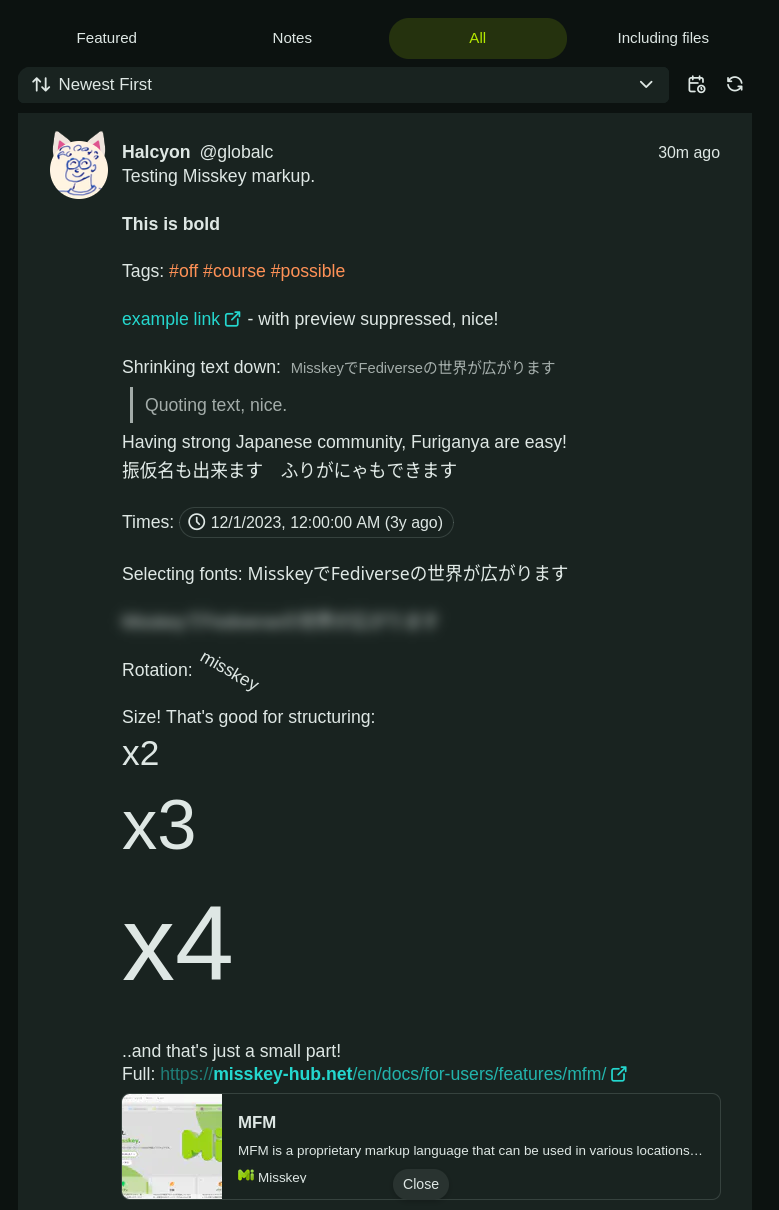
- default config allows not just 500 characters as Mastodon does, but 3000
- Reactions are not just ’likes’, but freely selectable emojis.
Own emojis possible. Of course, when ‘reactions’ between Mastodon and Misskey are done, they are down to plain ’likes’ again. - Much more formatting freedom than for Mastodon!
- Huge Japanese community. Docs partly Japanese. Users can mark their account as ‘cat’. :D
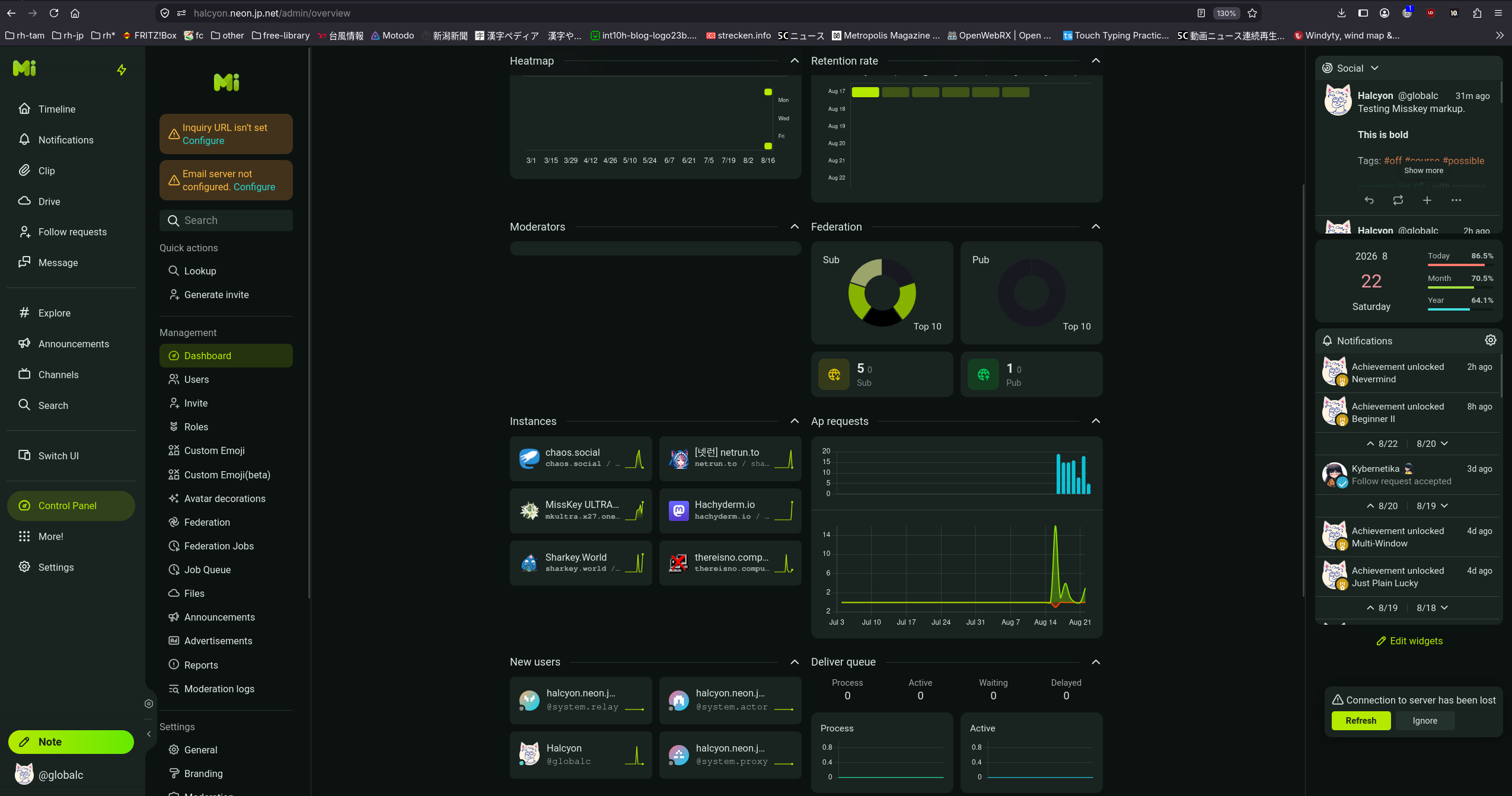
- You can use Misskey much more like a chat client: you see each others online status, can do chats.
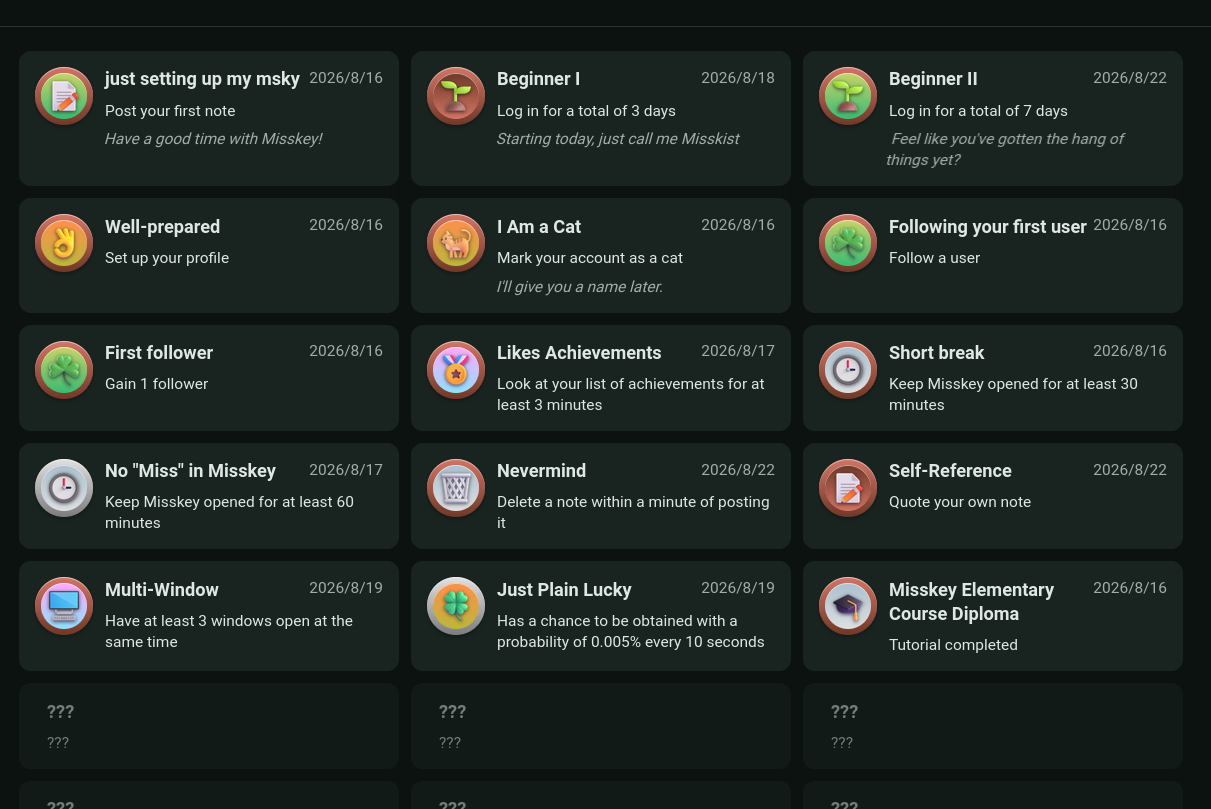
- Playful in many places. For example: you get badges for various actions.
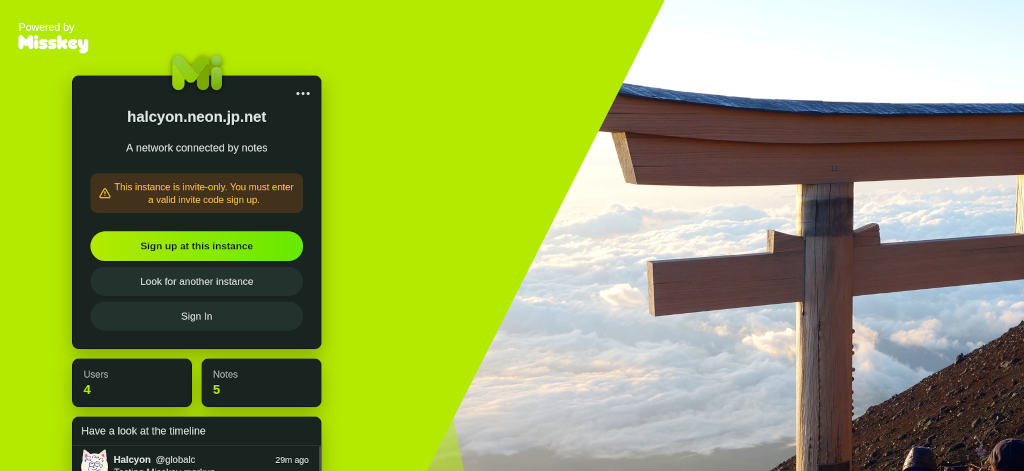
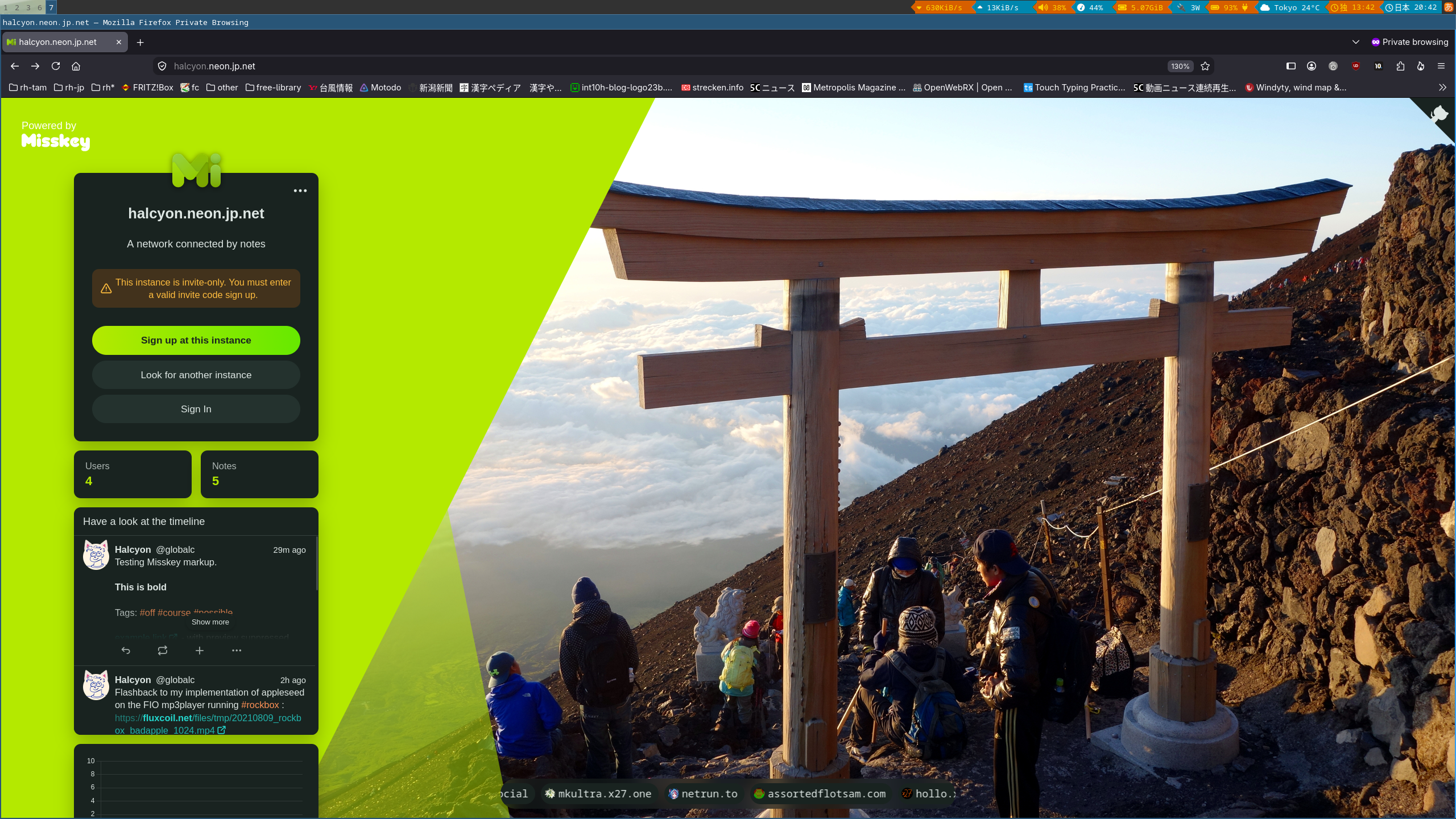
My test instance, not sure how long I’ll run it: https://halcyon.neon.jp.net.
My setup notes
My style for complex software like this is:
- I run an nginx on a server, that’s starting to process incoming connections and handling https
- Misskey is running in a podman container on the system. Service listening on a port, and communication between the nginx and Misskey are plaintext.
Container setup
I’m using a plain Debian Trixie in the container, and manage services with systemd inside the container. The below setup instructions are not automated down to the last piece: that’s making future adaptions easier when the setup instructions change.
The steps are quite basic.. but expecially for the config files I have created a repo. Starting with building the container image:
git clone https://codeberg.org/globalc/smallhelpers
cd smallhelpers/misskey-podman-setup

# build locally
podman build -t misskey build-trixie/

# run locally
podman run -p 127.0.0.1:8085:8085 --name misskey -d \
	--security-opt seccomp=unconfined --hostname misskey \
	localhost/misskey /lib/systemd/systemd

# run a shell
podman exec -it misskey bash
With that, we should end up with the image created, an instance started, and a shell open into the instance.
Setting up Misskey
This is loosely following the manual. We start installing Nodejs:
# install nodejs
# https://github.com/nodesource/distributions#installation-instructions
mkdir -p /etc/apt/keyrings
curl -fsSL https://deb.nodesource.com/gpgkey/nodesource-repo.gpg.key | \
	gpg --dearmor -o /etc/apt/keyrings/nodesource.gpg
echo "deb [signed-by=/etc/apt/keyrings/nodesource.gpg] https://deb.nodesource.com/node_24.x nodistro main" > \
	/etc/apt/sources.list.d/nodesource.list
apt update
apt install -y nodejs vim
Now PostgreSQL and redis, preparing database. Customize the postgres passowrd.
# install further packages
apt install -y \
  ffmpeg redis-server redis-tools postgresql

systemctl start redis postgresql

# Don't cut'n'paste the following in bulk, not working as new
# console is entered.  Paste this line by line.
sudo -u postgres psql
CREATE USER misskey CREATEDB;
alter user misskey with password 'misskeypqpassword';
CREATE DATABASE misskey OWNER = misskey;
\q
Creating app user, installing the code:
# First actions as misskey user
adduser --disabled-password --disabled-login misskey
usermod -s /bin/bash misskey
su - misskey
npx get-pnpm
source ~/.bashrc

# Setup Misskey itself
git clone --recursive https://github.com/misskey-dev/misskey.git
cd misskey
git checkout master
git submodule update --init
NODE_ENV=production pnpm install --frozen-lockfile
cp .config/example.yml .config/default.yml
vim .config/default.yml
The last step started the configuration. Go trough the pieces carefully, in my case I customize this:
misskey@misskey:~/misskey$ diff .config/example.yml .config/default.yml
60c60
< # publishTarballInsteadOfProvideRepositoryUrl: true
---
> publishTarballInsteadOfProvideRepositoryUrl: true
74a75
> setupPassword: insertpostgresspassword
80c81
< url: https://example.tld/
---
> url: https://halcyon.neon.jp.net/
102c103
< port: 3000
---
> port: 8085
167,168c168,169
<   user: example-misskey-user
<   pass: example-misskey-pass
---
>   user: misskey-user
>   pass: misskey-pass
With that, we can build Misskey and start it for the first time:
NODE_ENV=production pnpm run build
pnpm run init
NODE_ENV=production pnpm run start
It’s now running just in the terminal, commands below configure it as proper service. To access, we need to tell nginx on the host about Misskey. In my config, nginx runs on my server and does the https connections. Misskey runs in a container, connection nginx<->Misskey is not encrypted. So now deploying the additional nginx config on the host, not in the container.
# ( https://blog.vyvojari.dev/mastodon-behind-a-reverse-proxy-without-ssl-https )
sudo cp misskey-nginx.conf /etc/nginx/sites-available/misskey
sudo ln -s /etc/nginx/sites-available/misskey /etc/nginx/sites-enabled/misskey
systemctl daemon-reload
systemctl restart nginx
You can now access the Misskey web interface and go from there. For proper operation, inside the container, to start Misskey as systemd service:
cp misskey.service /etc/systemd/system/
systemctl daemon-reload
systemctl start misskey
systemctl enable redis-server postgresql misskey
Corrections? Questions? -> Fediverse thread