Asahi Remix based on Fedora 45 was released, some things changed since my Fedora 44 based article. If you used that, you can simply upgrade to Fedora 45. Users who install Asahi from now on will just be interested in the Fedora 45 based howto, as that’s that the installer deploys now.
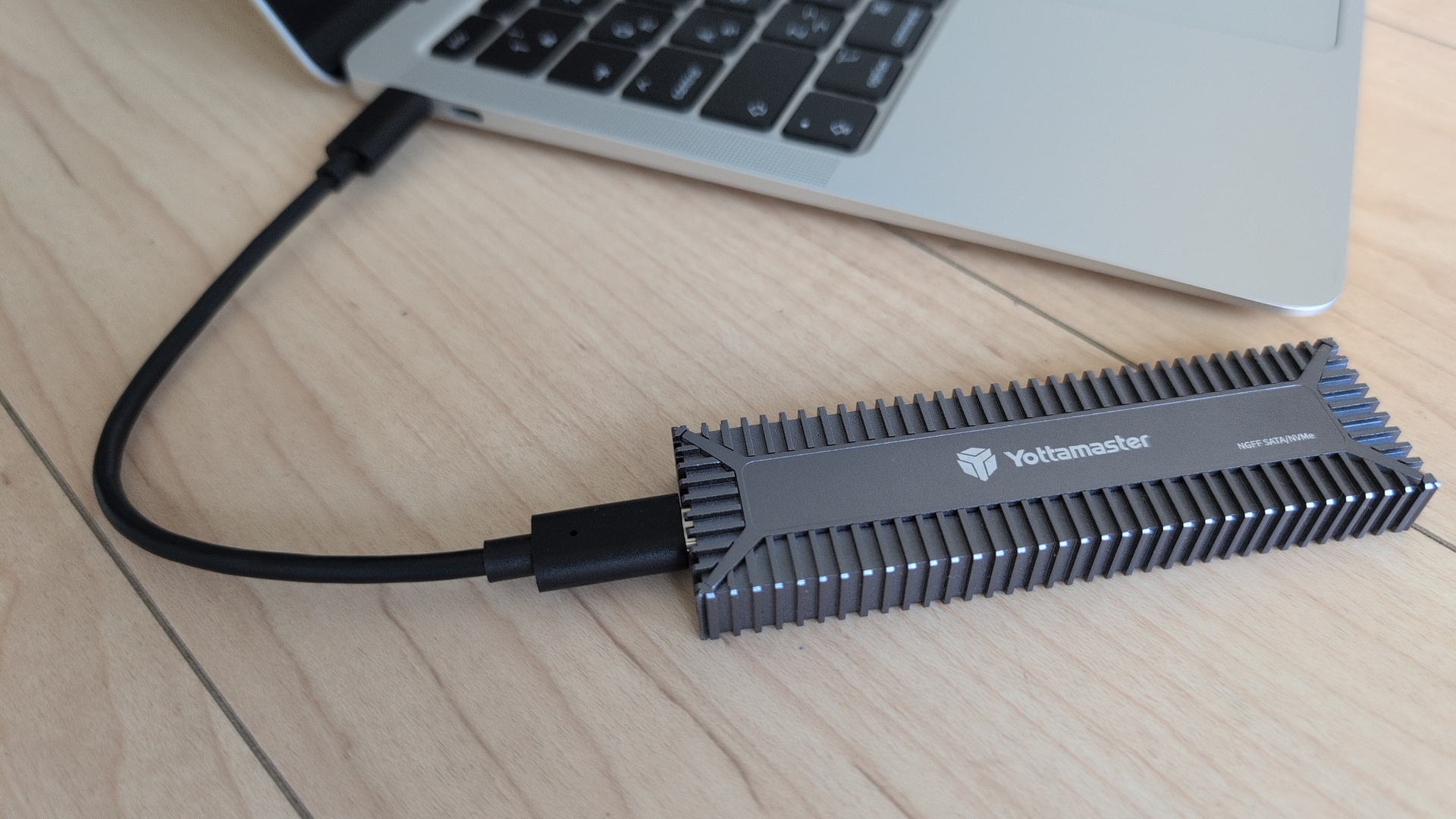
Note 1: My Asahi system with encrypted volumes is already on Asahi Remix 45, so while I’ve confirmed below steps as much as possible, I’ve not run the actual encryption. Feedback/comments welcome. Note 2: Right now, the only media I hade for external media is not getting booted. I assume this is due to an incompatibility of the NVMe-enclosure with the kernel. Seeing this for both Asahi Fedora 44 and Asahi Fedora 45 live boot media.
Kudos to
- Marcan and the Asahi team
- Leif Liddy for asahi-fedora-usb
- @copyrights@chaos.social for article input
Overall procedure
These steps require the already setup Asahi installation. We will then
- Create a USB drive with Asahi Linux
- Boot from that
- LUKS Encrypt the Asahi file system
- Update the Asahi version on the USB drive to match the real installation
- And then configure grub and rebuild initramfs
Step 1: Create and Boot the Live Media
As of Fedora Asahi Remix 45, this works quite nicely with leifliddy’s asahi-fedora-usb.
# Internet connectivity, if not yet setup:
# List wifi networks, then connect
nmcli dev wifi
nmcli dev wifi connect <your-ssid> password <password>

# Install dependencies
dnf install arch-install-scripts bubblewrap gdisk \
  pandoc rsync systemd-container git mkosi

# checkout the code
git clone https://github.com/leifliddy/asahi-fedora-usb.git
cd asahi-fedora-usb/

# As of 2026/11/7, the config file is configured to fetch
# Fedora 44, let's fix that.  In file mkosi.conf we need to
# change in the first few lines
#   Release=44
# into
#   Release=45
vi mkosi.conf
or
nano mkosi.conf

# Now attach the usb media you want to boot from. For me, a USB-C
# attached enclosure with an NVMe inside.  For some folks, USB-2
# devices did not work for booting, but USB-3 devices.
# Confirm where the USB device appears:
cat /proc/partitions
# For me it's at /dev/sda.

# Build and install a minimal Asahi Fedora image to a USB drive:
./build.sh -d /dev/sda
Github issue to have mkosi.conf directly refer to Fedora 45.
Step 2: External Booting and reencoding
Now reboot the system.
- At the UEFI prompt, after ‘u-boot’ is written on the screen, interrupt in pressing the ESC-key. You get the “=>” prompt.
- Enter “eficonfig”:
- Go to ‘Change Boot Order’
- Deselect all options, so just usb stays enabled.
- ‘Save’
- ‘Quit’
- Then use ‘run bootcmd’ on the efi prompt to boot. grub from the external media will run.
- For me, the Fedora boot procedure was stuck, root partition was not found. Modifying the grub parameters to ‘root=/dev/sda3’ did not help. What helps: once the boot is stuck, unplug the usb-c connected NVMe drive, then plug it in again. Maybe try a different USB-C port. For me, that did the trick.
- Then, login with root/fedora
- Encrypt the Asahi installation:
# Using lsblk -f /dev/nvme0n1 identify the partition used for the root filesystem.
# This should present as a btrfs file system with the label fedora_asahi. In the
# example below /dev/nvme0n1p6 is the Fedora root filesystem that will be encrypted in-place:

[root@fedora ~]# lsblk -f /dev/nvme0n1
NAME        FSTYPE FSVER LABEL        UUID                                 FSAVAIL FSUSE% MOUNTPOINTS
nvme0n1
├─nvme0n1p1 apfs                      4ccf344c-1842-4ed2-98f7-d34a509f5a88
├─nvme0n1p2 apfs                      dbb4789e-c51d-46bf-8332-90a43b4e4fa7
├─nvme0n1p3 apfs                      b98ec259-629b-4aee-9f26-02c5098abcee
├─nvme0n1p4 vfat   FAT32 EFI-FEDORA   B01E-2641                             419.8M    16% /run/.system-efi
├─nvme0n1p5 ext4   1.0   fedora_boot  5b094e58-d15f-4be2-85ff-147859c7b118
├─nvme0n1p6 btrfs        fedora_asahi dd08a2bf-ae63-44e1-881d-fbb8928af4fb
└─nvme0n1p7 apfs                      b465c845-eaef-4bcb-aac9-865c42260844
Now resize the btrfs file system, and onthefly encrypt the existing Asahi installation. Despite the warning, the procedure is expected to keep your data usable/not delete it.
mount /dev/nvme0n1p6 /mnt
btrfs filesystem resize -32M /mnt
umount /dev/nvme0n1p6

# LUKS encrypt the root filesystem partition in-place.
cryptsetup reencrypt --encrypt --reduce-device-size 32M /dev/nvme0n1p6
Step 3: Upgrade installation on the external media to Fedora 45
If you did not modify mkosi.conf to deploy Fedora 45, then you are now running a Fedora 44 based media, which needs to be upgraded to match your real Asahi installation - which is Fedora 45 based now. Luckily, this works with the default ‘Fedora upgrade steps’. Ensure you are connected to the internet, then:
dnf upgrade --refresh
dnf system-upgrade download --releasever=45
Then reboot, do the unplug/plug dance again to have the media recognized, and the installation on the usb media gets upgraded to Fedora 45.
Step 4: Preparing Asahi
Now we need to prepare the Asahi installation to deal with the encrypted disk. We are now booted into Fedora 45 from the usb media:
cryptsetup open /dev/nvme0n1p6 fedora-root
cryptsetup status fedora-root

mount -o subvol=root /dev/mapper/fedora-root /mnt
mount -o subvol=home /dev/mapper/fedora-root /mnt/home
mount /dev/nvme0n1p5 /mnt/boot
mount /dev/nvme0n1p4 /mnt/boot/efi

# Store the LUKS UUID in variable for later use
export LUKS_UUID=$(cryptsetup luksUUID /dev/nvme0n1p6 | tee /dev/stderr)

mount -t sysfs sysfs /mnt/sys
mount -t proc proc /mnt/proc
mount -t devtmpfs devtmpfs /mnt/dev

chroot /mnt /bin/bash

touch /etc/crypttab
chmod 0600 /etc/crypttab
echo "fedora-root UUID=${LUKS_UUID} none discard" >> /etc/crypttab
cat /etc/crypttab

# Now append rd.luks.uuid=LUKS_UUID to variable
# GRUB_CMDLINE_LINUX_DEFAULT.
# Instead of using Perl, you might want to just
#   echo $LUKS_UUID >>/etc/default/grub
# and then use an editor.  Pay attention to using two
# >> signs, to append to the file.
perl -i -pe 's/(GRUB_CMDLINE_LINUX_DEFAULT)="(.*)"/$1="$2 rd.luks.uuid='"${LUKS_UUID}"'"/' /etc/default/grub
cat /etc/default/grub

# rebuild initramfs
grub2-mkconfig -o /boot/grub2/grub.cfg
dracut -f

# If the kernel versions of your internal and external installation
# do not match, you might need something like this for rebuilding
# the initramfs:
dracut -f /boot/initramfs-6.19.140.asahi.fc40.aarch64.img \
  6.19.140.asahi.fc40.aarch64

# Then exit the chroot, reboot
exit
reboot
Now, after rebooting the system, we can change the uefi-order back and boot our encrypted Asahi.
Step 5: Confirm TRIM works
At this point, we should ensure proper handling of TRIM at all layers so that the storage is handled in the best way. As we added ‘discard’ to /etc/crypttab, we were setting up the required pieces. Let’s confirm:
root@空:~# fstrim /
root@空:~#
Without TRIM being enabled on all layers, for example without the ‘discard’ in /etc/crypttab we would get:
root@空:~# fstrim /
fstrim: /: the discard operation is not supported
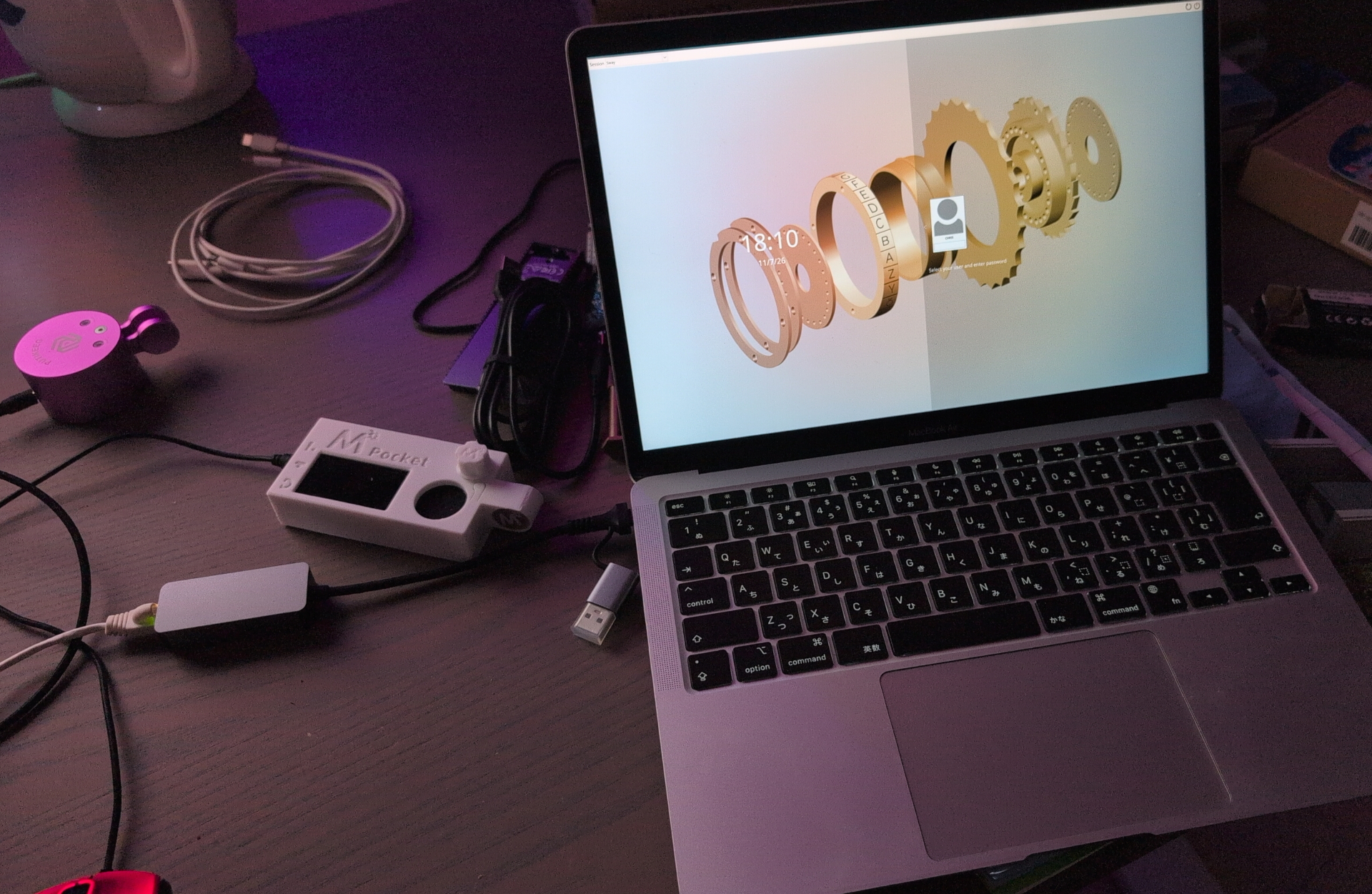
I’ve done a first setup and given KDE a try again, but then I did go back to do a minimal Asahi installation, and installing sway. Details are on the wiki. Now on to installing Japanese keyboard input systems, syncthing and HAM software.
FAQ
Q: I’m getting this error when running build.sh:
[424/424] Total                                                                                      100% |   3.4 MiB/s | 434.2 MiB |  02m07s
Importing OpenPGP key 0x3AA33141:
 UserID     : "@asahi_u-boot (None) <@asahi#u-boot@copr.fedorahosted.org>"
 Fingerprint: 02E2877C67811D26AAF589843CD7FC2C3AA33141
 From       : https://download.copr.fedorainfracloud.org/results/@asahi/u-boot/pubkey.gpg
The key was successfully imported.
cannot open file: (2) - No such file or directory [/usr/share/pki/rpm-gpg/RPM-GPG-KEY-rpmfusion-nonfree-fedora-44]
‣ "dnf5 --assumeyes --best --releasever=44 --installroot=/buildroot [...]
A: As of 2026/11/7, build.sh tries to install Asahi Remix 44, and you have rpmfusion installed, but already upgraded that to version 45. You can obtain the file like this:
mkdir ~/Downloads/tmp
cd ~/Downloads/tmp
wget  https://mirrors.rpmfusion.org/nonfree/fedora/rpmfusion-nonfree-release-44.noarch
rpm2cpio rpmfusion-nonfree-release-44.noarch.rpm | \
  cpio --extract --verbose --make-directories --preserve
ls -al ./etc/pki/rpm-gpg/RPM-GPG-KEY-rpmfusion-nonfree-fedora-44
Copy the file then to /usr/share/pki/rpm-gpg.
Corrections? Questions? -> Fediverse thread