
I presented this topic at TIARA (with emphasis at Linux/the software), and at the Tokyo Linux Users Group, with emphasis at the radio concepts and how they translate to software. The talk was recorded, and the slides are here.
TL’DNR
I will describe a setup with Software Defined Radio (SDR) receiver, computer and OpenWebRX+ software. To get an idea what accessing the OpenWebRX+ software is like, try out some stations listed on https://www.receiverbook.de. These are all installations with SDR devices, made available to the public.
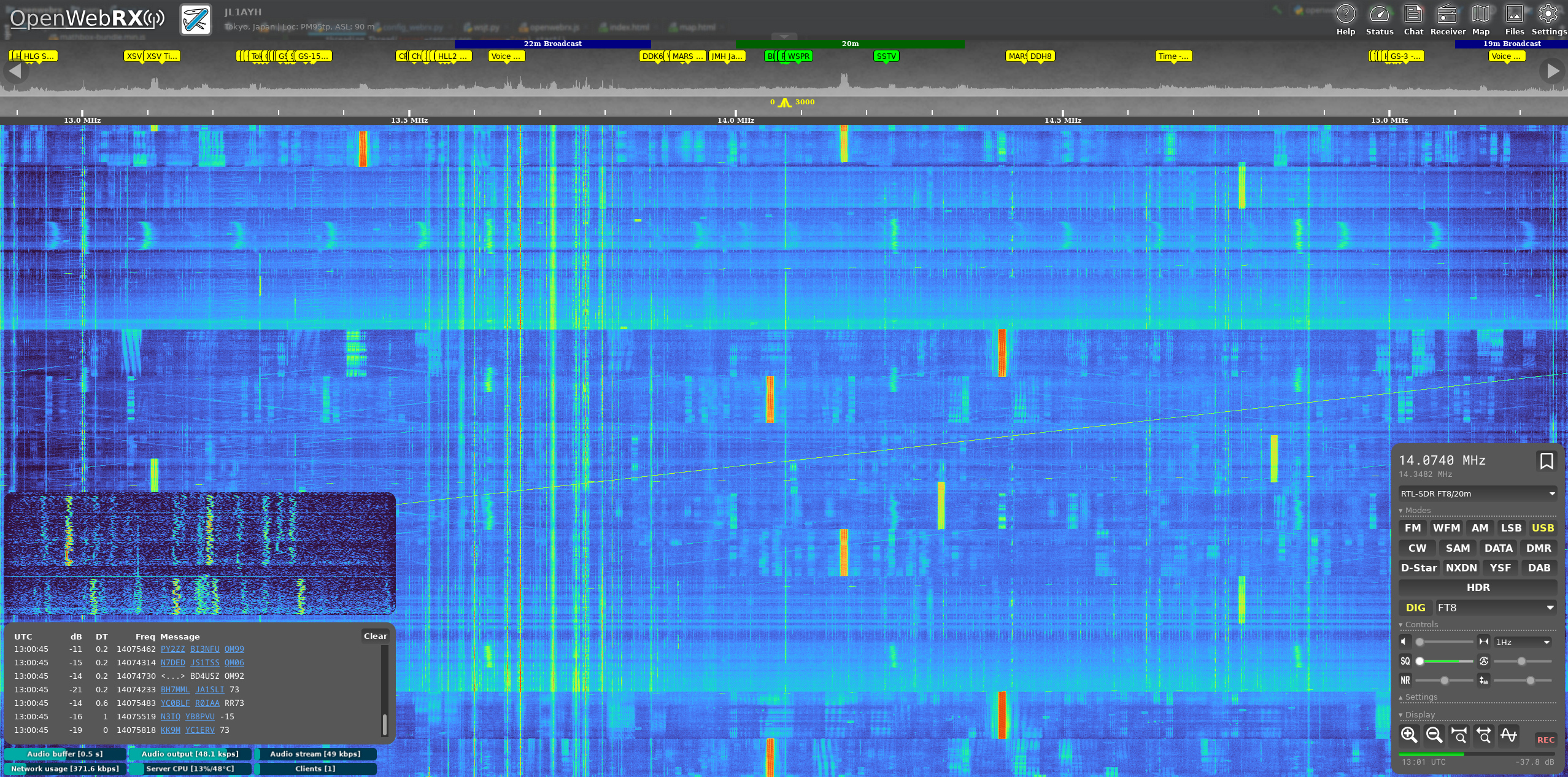
Example what receiving and decoding FT8 signals looks like. FT8 is a digital mode, optimized for transmission also under bad conditions. On the left side, received signals get decoded.
Recommended Hardware
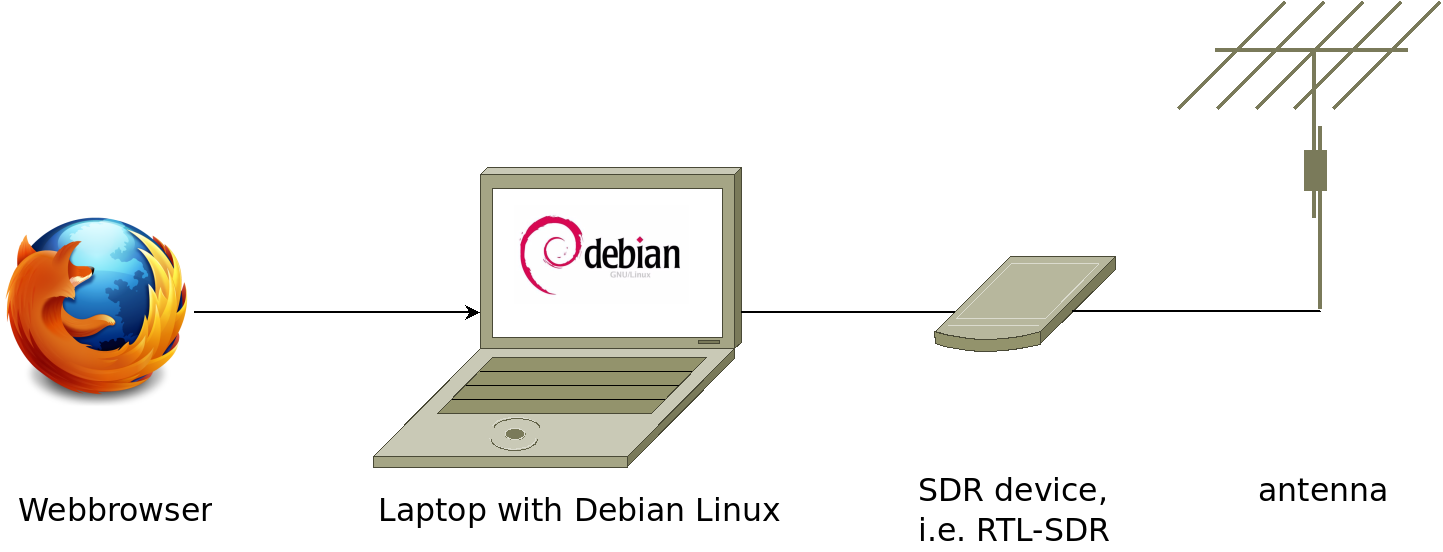
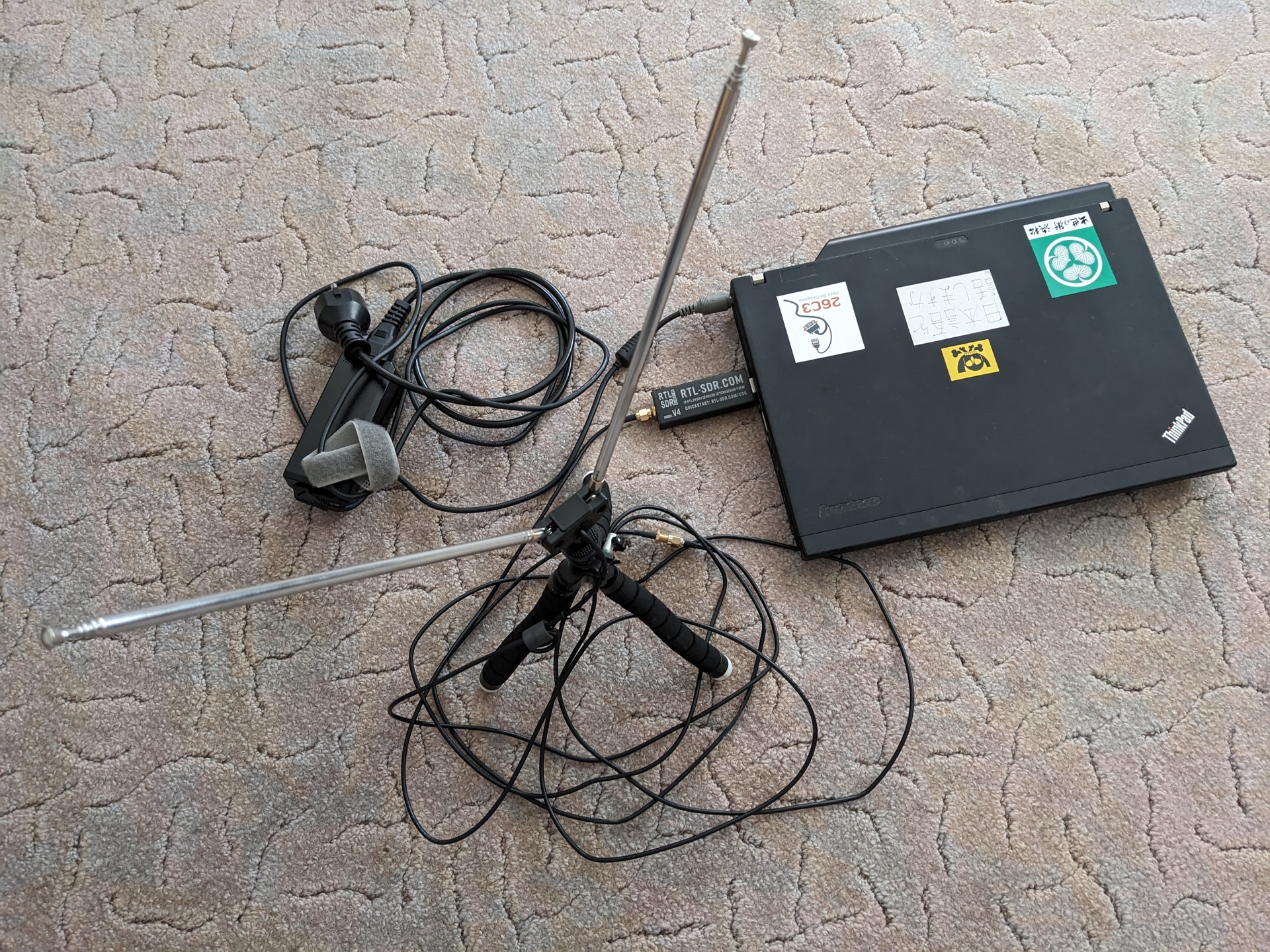
- A laptop: I’m using a Thinkpad L480. It’s overpowered with 16GB of RAM, also 4GB are enough. The laptop runs Debian Linux, OpenWebRX+ and Firefox as webbrowser. Firefox could also be run remotely, from anywhere over the LAN or the internet.
- SDR device: These get connected to an antenna, and fullfill some functions of classical radios. They make the signal from the antenna available to the computer. Some SDR’s can also transmit signals, but our OpenWebRX+ software can not be used for sending. I’m using the RTL-SDRv4 device, available of 60-80$ including a simple antenna. Alternatively I use a HackRF clone for 130$. That device can also transmit, and can receive a wider bandwidth than the RTL-SDR.
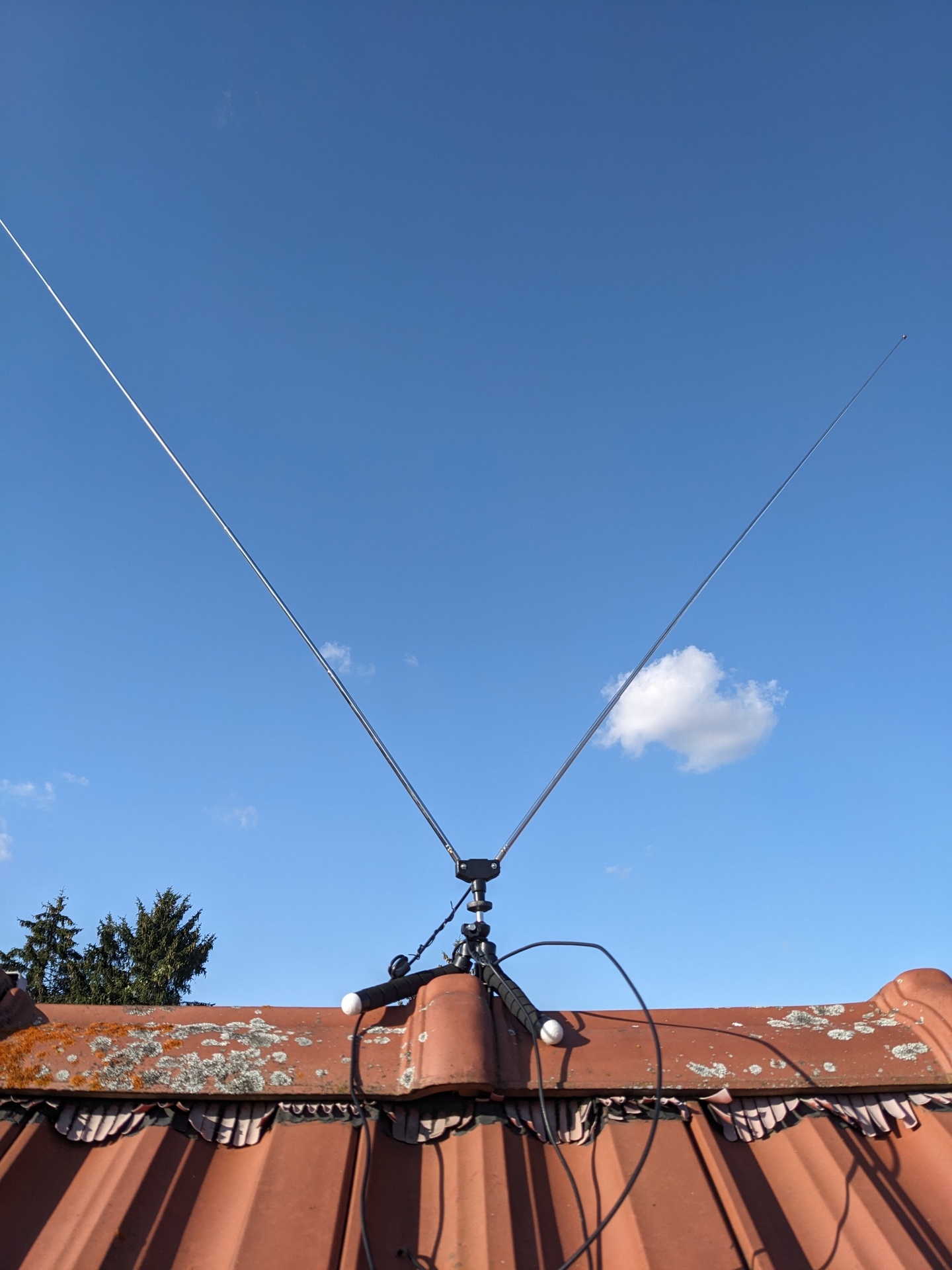
- Antenna: I use a simple telescope antenna, bought as set together with the RTL-SDR.
The antenna is connected via coax cable to the SDR device, which is connected to the laptop via USB2. The longer the coax cable, the bigger the loss of the signal. In Germany, I deployed the antenna on the roof, and SDR-device/laptop on the attic. From everywhere on the house I could then connect to the laptop via network cable.
What’s possible with this setup?
Setup OpenWebRX+ on a system, connect an SDR device, then
- run a web browser (Firefox, Google Chrome etc.) directly on the system
- OR run the web browser somewhere else and access via network!
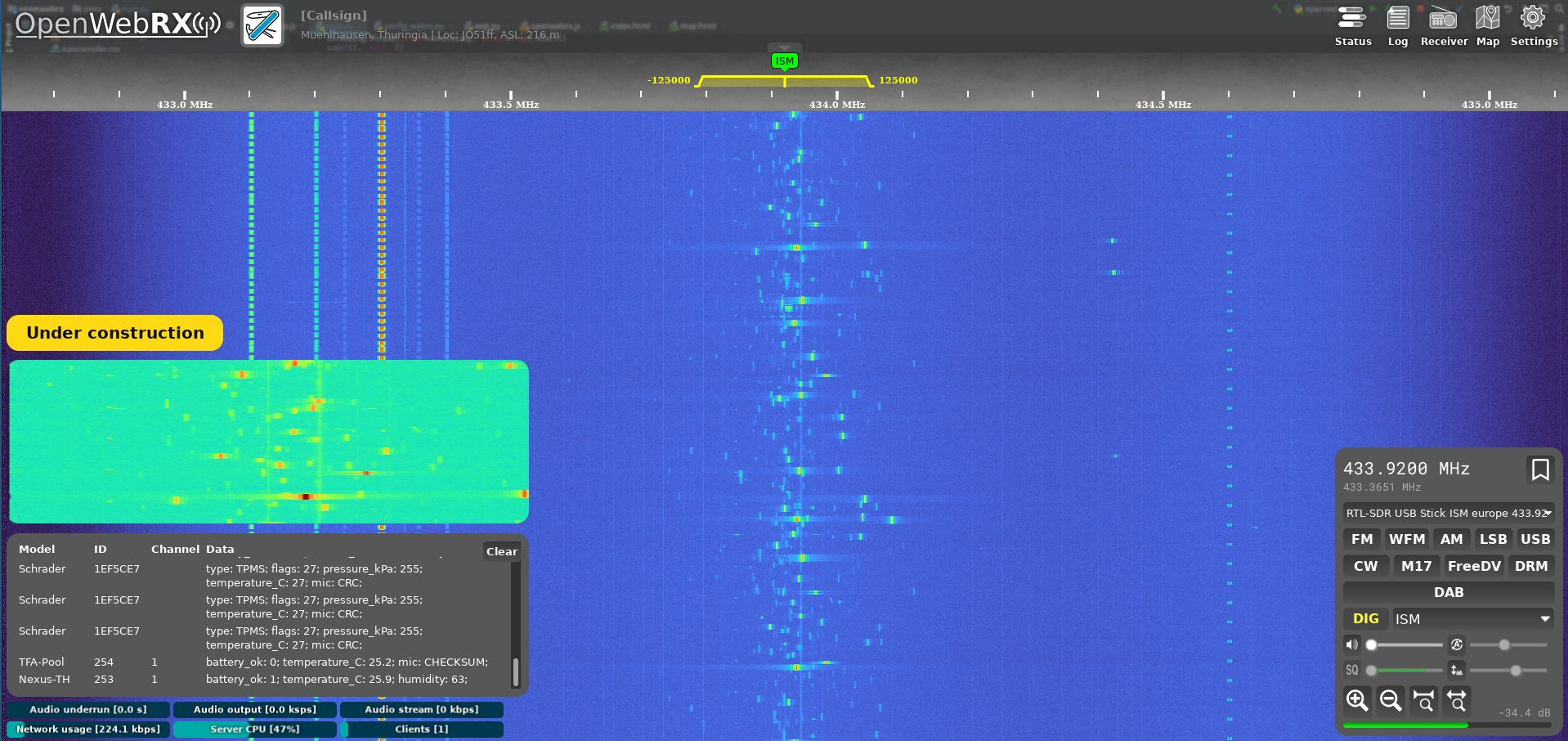
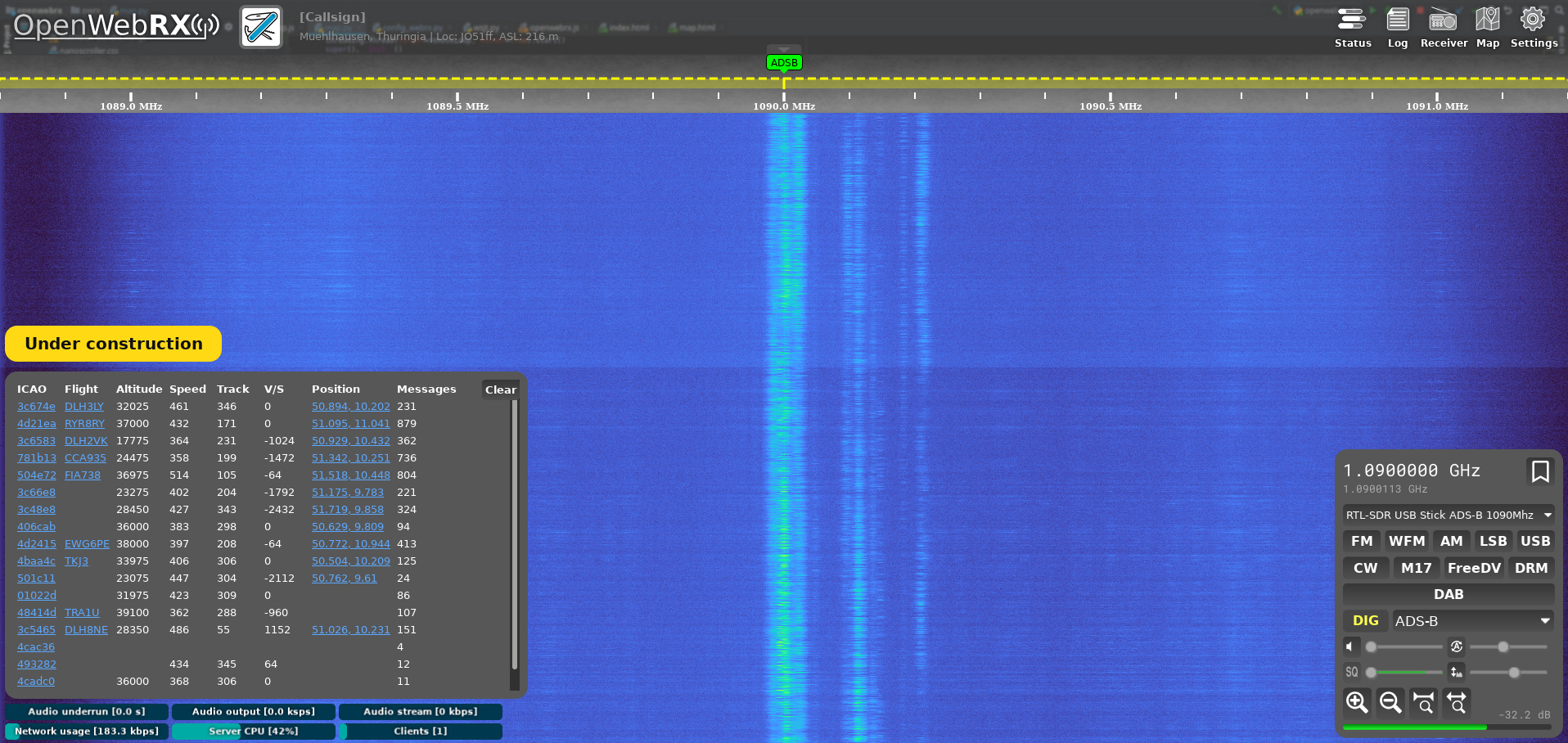
Then you can listen in on all bands supported by the SDR device, decode signals in many modes: (near)FM, WideFM, SSB, AM. Also many high level decoders available: ADSB (air plane signals), FT8 (also showing contacts on a map), CW (morse code) and much more.
How to setup?
System setup
- get Debian Bookworm for AMD64 or aarch64
- flash it to a USB-stick, install Debian
Software
- Add the OpenWebRX+ repos, details on the OpenWebRX+ site
- Install OpenWebRX+: apt update; apt install openwebrx
- If you use RTL-SDR, install the drivers:
sudo apt-get install libusb-1.0-0-dev git cmake pkg-config
git clone https://github.com/rtlsdrblog/rtl-sdr-blog
cd rtl-sdr-blog
mkdir build
cd build
cmake ../ -DINSTALL_UDEV_RULES=ON
make
sudo make install
sudo cp ../rtl-sdr.rules /etc/udev/rules.d/
sudo ldconfig

echo 'blacklist dvb_usb_rtl28xxu' | sudo tee --append /etc/modprobe.d/blacklist-dvb_usb_rtl28xxu.conf
- Then start OpenWebRX+: systemctl enable –now openwebrx
- Now access http://127.0.0.1:8073 or http://:8073 from a browser
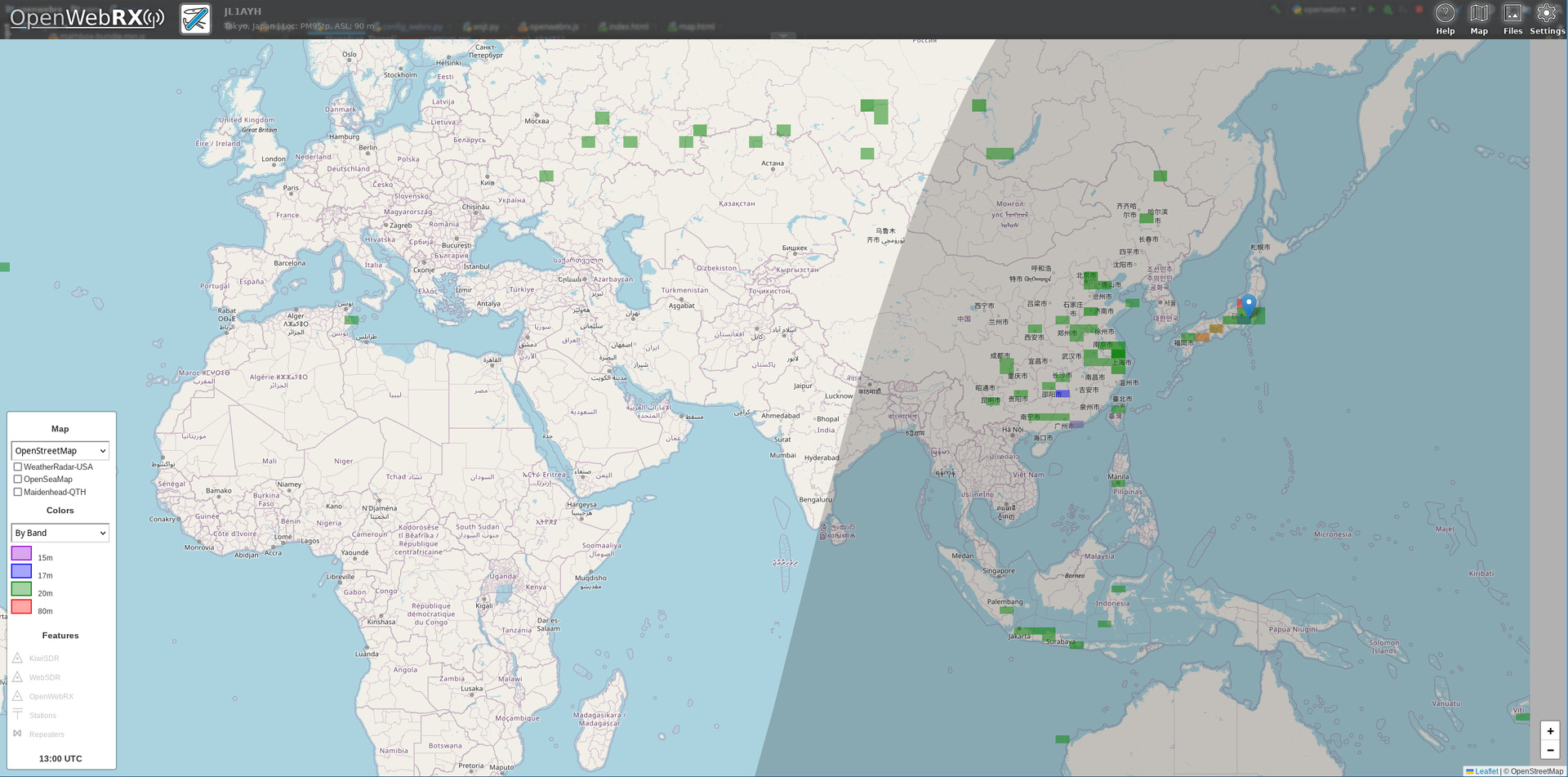
This map shows from where we received FT8 signals:
Pictures of the setup:
I like this setup very much!
The slides of the presentation at TIARA are here.
Corrections? Questions? -> Fediverse thread